The OmniRN product tour
One companion for the work of nursing school.
Move from a lecture topic to a flashcard, a clinical question, and the reference that helps it make sense. Explore what is in the current app.
Keep yesterday’s learning in reach
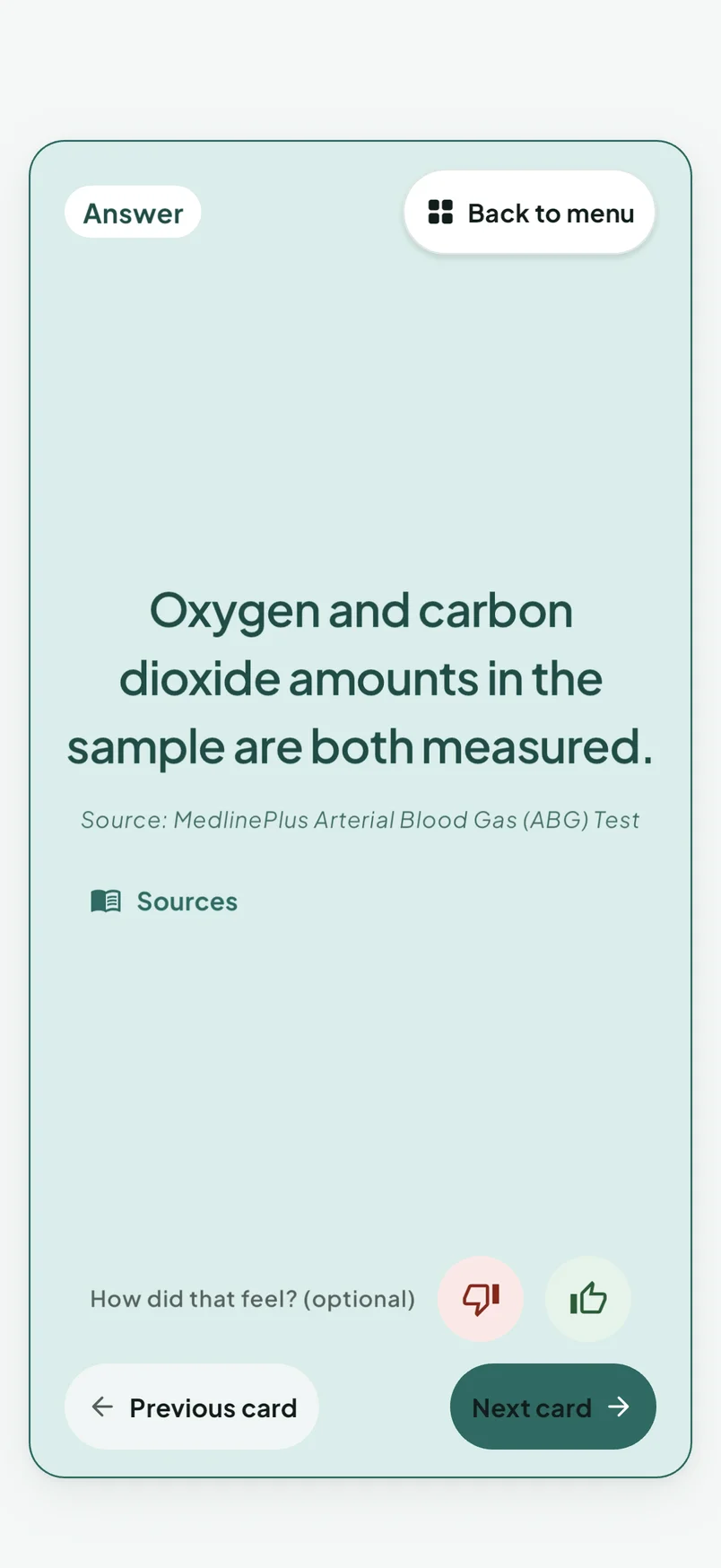
6,952 nursing flashcards in 122 populated decks. Reveal an answer and use thumbs-down or thumbs-up feedback; an FSRS-style scheduler sets the next review.
Understand the reasoning behind your answer
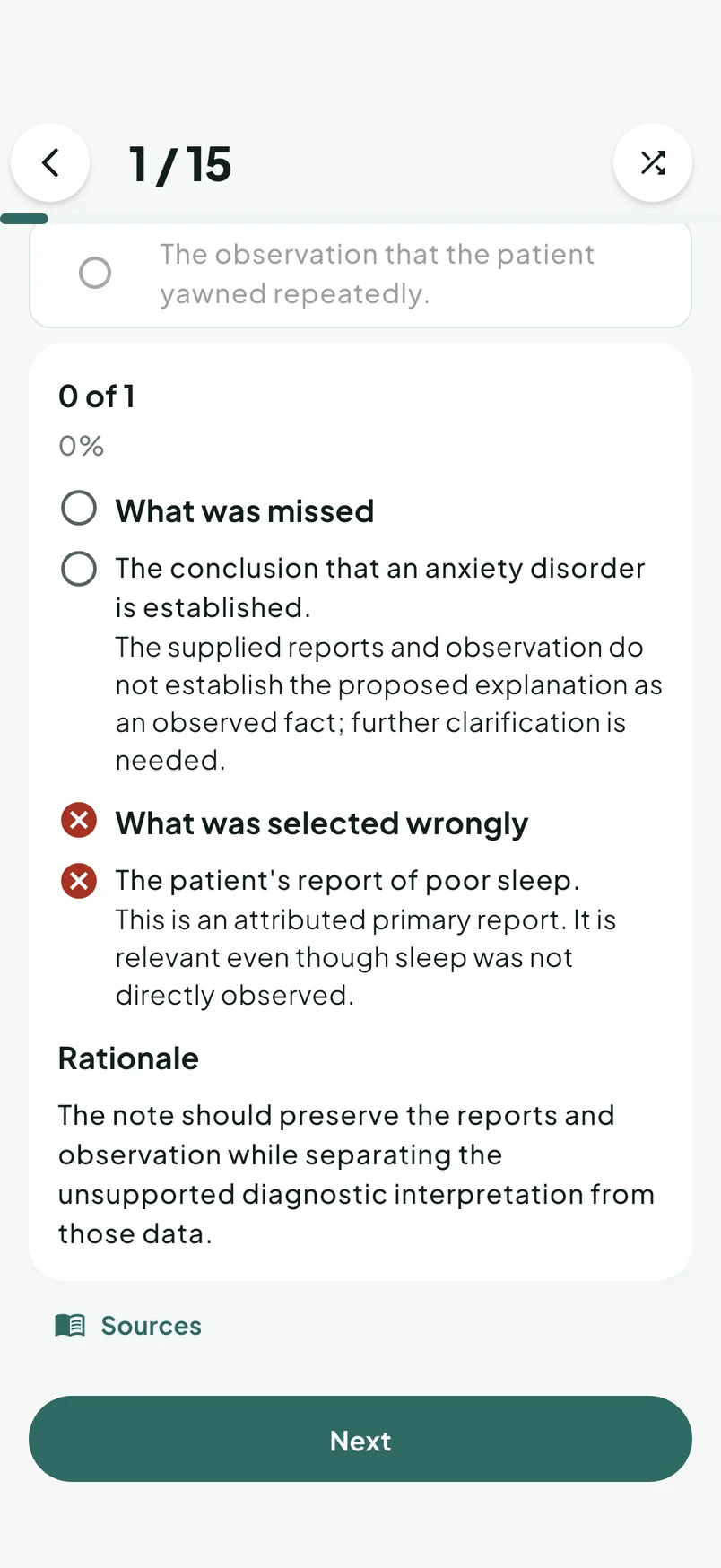
3,992 standalone questions with per-option rationales, plus 36 unfolding cases. Practice Bowtie, Matrix, trend, and ordered-sequence formats.
Prepare for the next clinical day
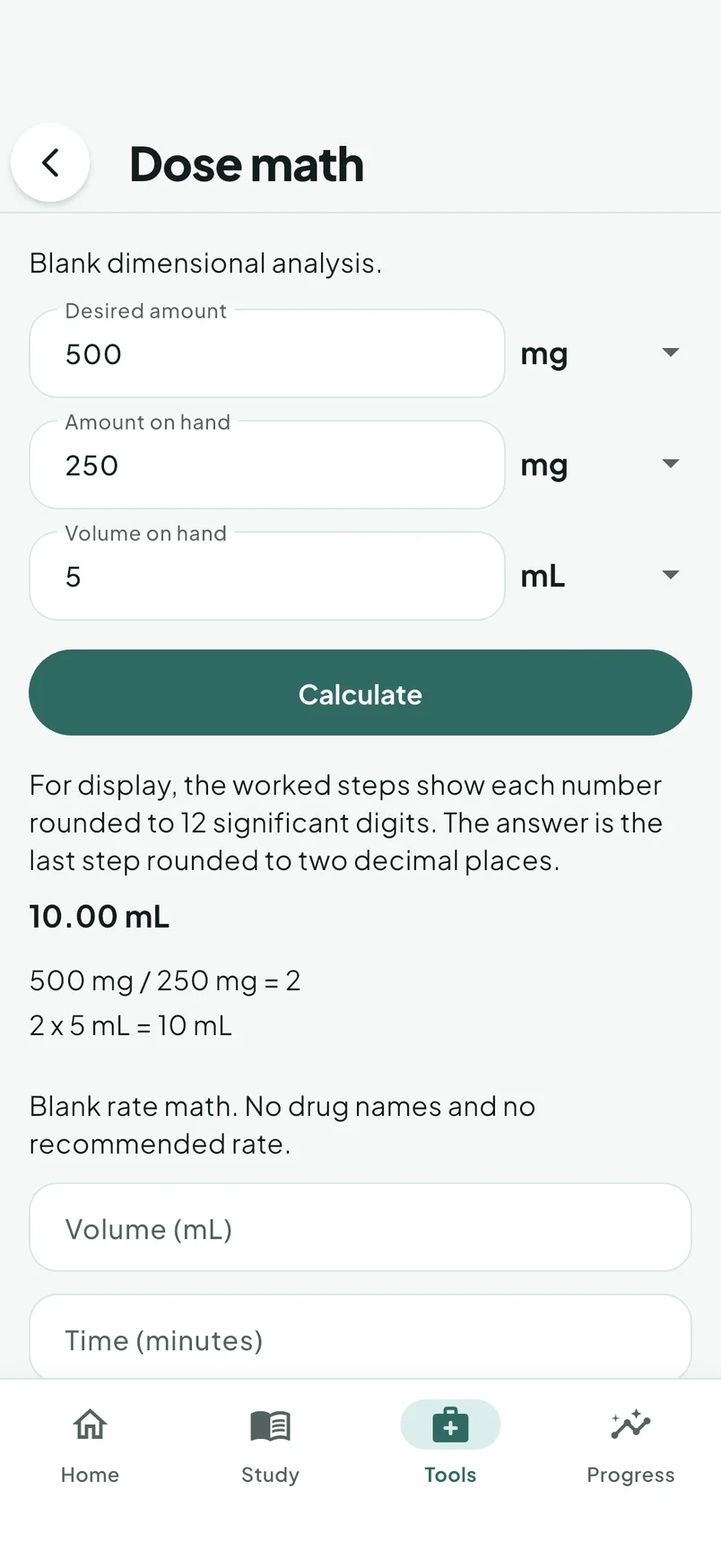
Work through dose calculations, look up drugs and labs, review skills and care plans, and log clinical shifts. Keep learning resources close to the questions you are studying.
See how the pieces fit together
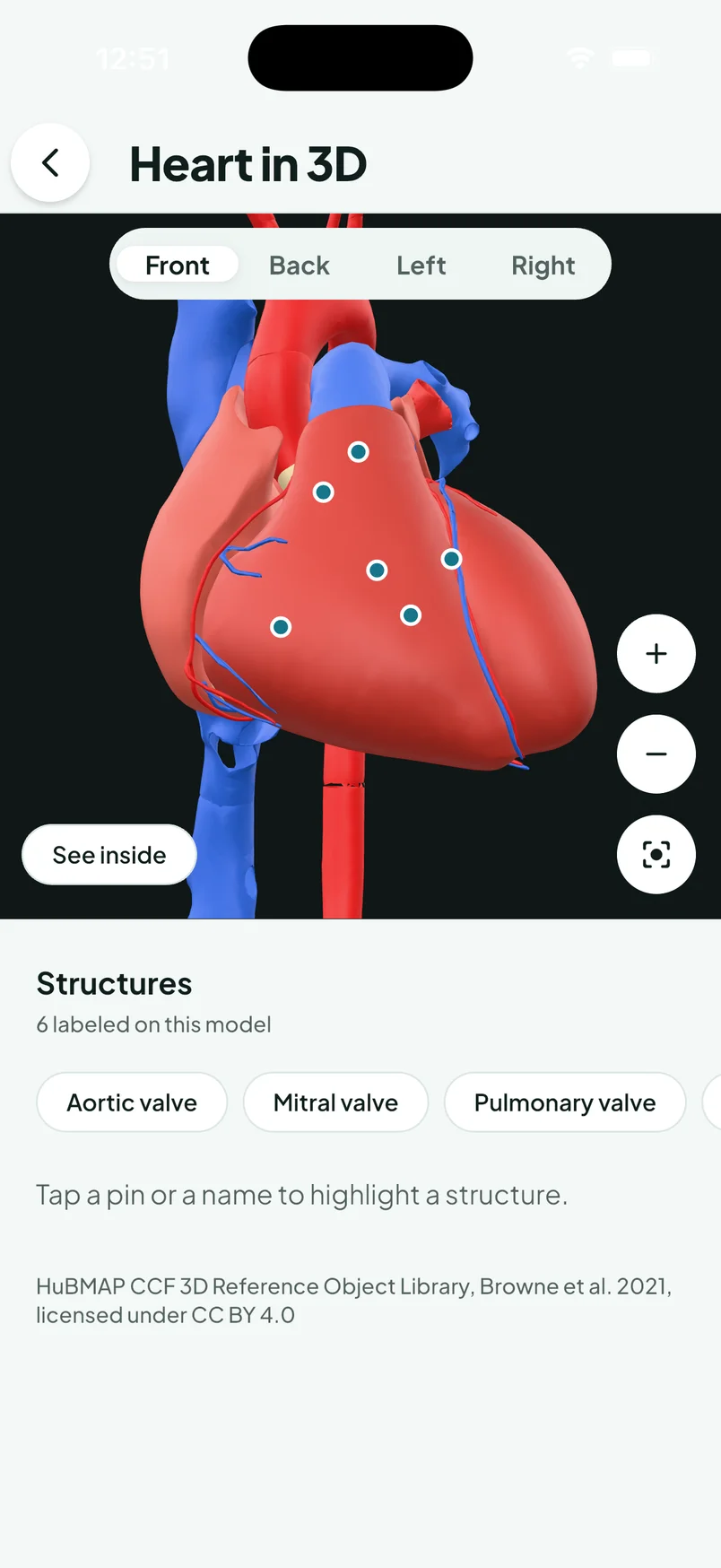
Rotate the body atlas, explore organ models, and connect structure names with clinical landmarks. The native app bundles its model assets for offline use.
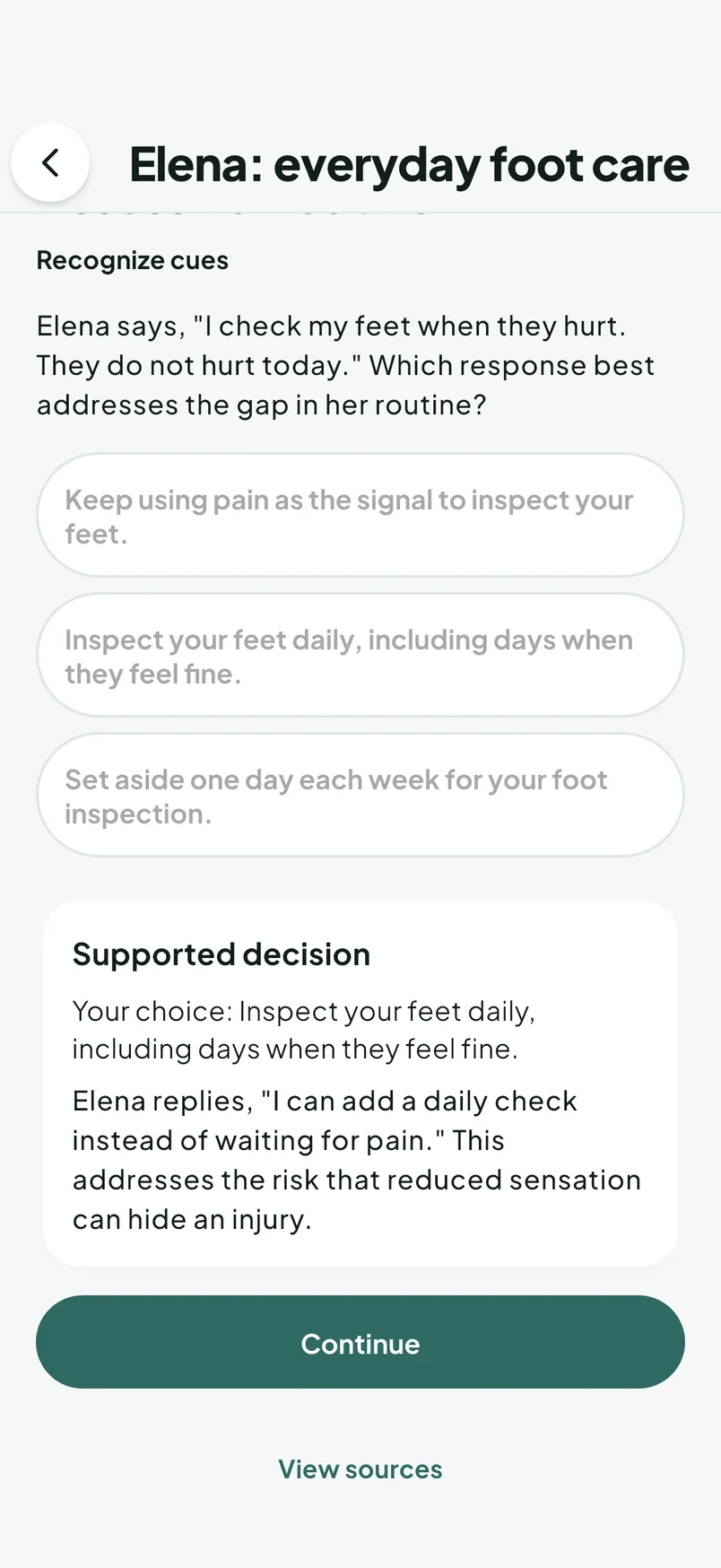
Make a decision. Read what follows.
2 scripted virtual patient scenarios offer authored choices, responses, and a clinical-judgment debrief. No open-ended AI chat or simulated physiology.
Make a study routine you can return to
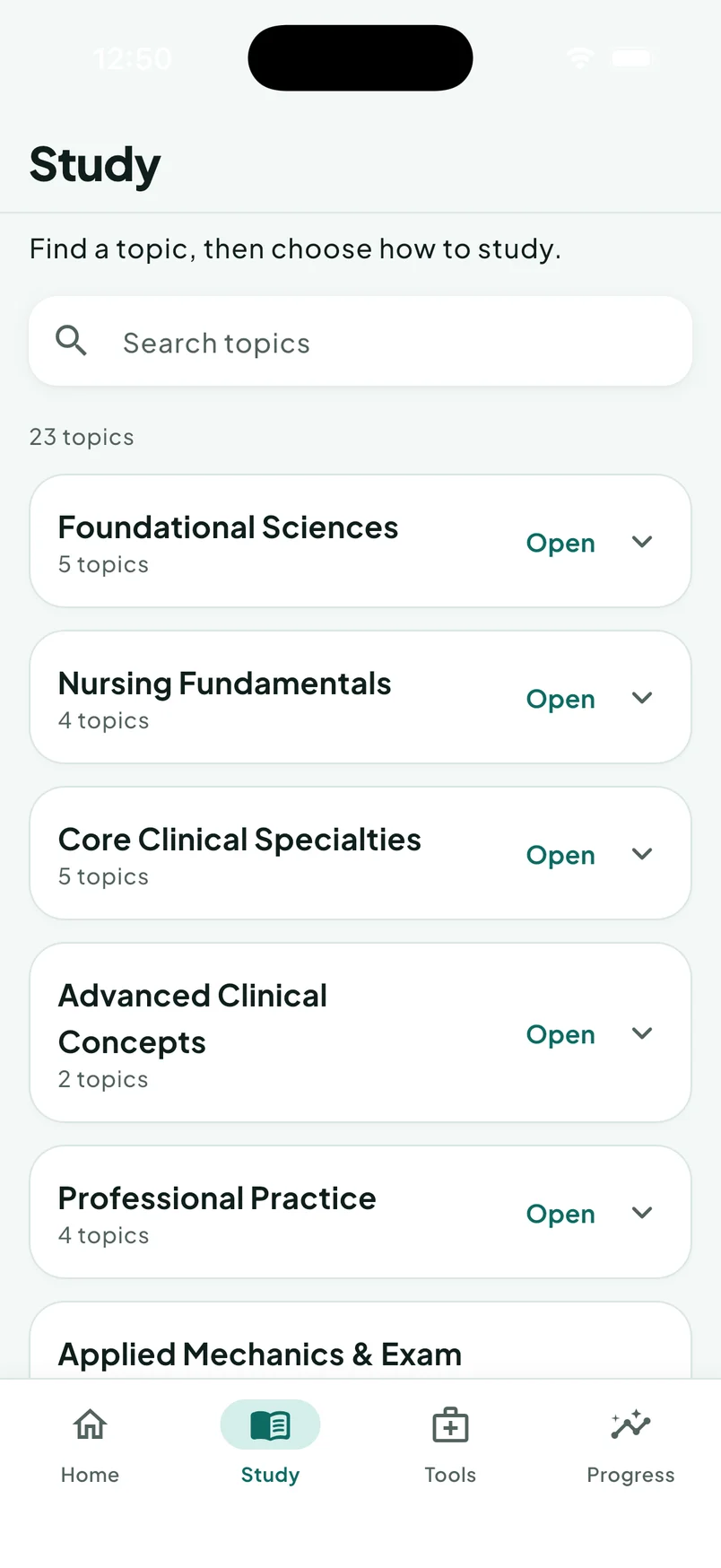
- ADN and BSN program paths organize the curriculum around your studies.
- Search across the catalog, then open the matching card, question, or reference.
- Plan around exam dates, use today’s study shortcuts, and review activity in Progress.
- Split typed or pasted notes into local study material with Quiz Me and card creation.
- Listen to supported terminology decks: word parts, directions, and organs.
- Use terminology, dictionary, and citation helpers to support written coursework.
- Log clinical shifts and take a short wellness reset between sessions.
These tools support your routine. They do not certify clinical hours, predict your NCLEX result, or replace your school’s requirements.
What is in the catalog
- Nursing flashcards
- 6,952
- Populated flashcard decks
- 122
- Standalone questions
- 3,992
- Unfolding cases
- 36
- Case-stage questions
- 216
- Bowtie questions
- 59
- Matrix items
- 57
- Ordered procedural sequences
- 20
- Trend questions
- 17
- Calculation practice items
- 26
- Scripted patient scenarios
- 2
- Drug monographs
- 107
- Lab reference entries
- 58
- Care plans
- 18
- Condition profiles
- 20
- Skills checklists
- 13
- Terminology entries
- 79
- Mnemonics
- 13
- Anatomy regions
- 21
- Clinical landmark cards
- 125
- IV compatibility pairs
- 11
Catalog snapshot: 2026-09-30. 3,992 standalone questions and 216 case-stage items are counted once each. Content and platform availability can change between app releases.
Anatomy regions and landmark cards are distinct from 3D model files. Case-stage questions are included once in the combined question inventory; the categories above should not all be added together as separate questions.
Choose where you study
Native app
Bundled study content and anatomy models support offline study after installation. Sign-in, purchases, restoration, and account services need a connection.
Web app
Open omnirn.web.app in a browser. Start with an internet connection. Browser storage and offline behavior depend on the browser and its settings.
Preview and access
The app offers selected free cards and questions and a short preview exam. Full catalogs and advanced practice require access. The website demo is a separate, limited tour.
Website plans use Stripe checkout. In-app offerings are shown by the App Store or Google Play and can differ. Use the same OmniRN account for purchases and study. Do not rely on automatic cross-device progress transfer; check the receiving device before switching.
Screenshots show the current development revision in an iPhone simulator with local demo access. They are real app screens; store and web releases may differ.